AI photo finishing, built for real estate.
Edited photos or phone shots in — Fluxify color-grades, replaces skies, fixes lighting, and clears clutter across the whole gallery in minutes. One exposure per photo. No RAW, no brackets (bracket merging is coming soon).
No account needed. Watermarked preview. Join the waitlist for 5 free photos when your batch opens.
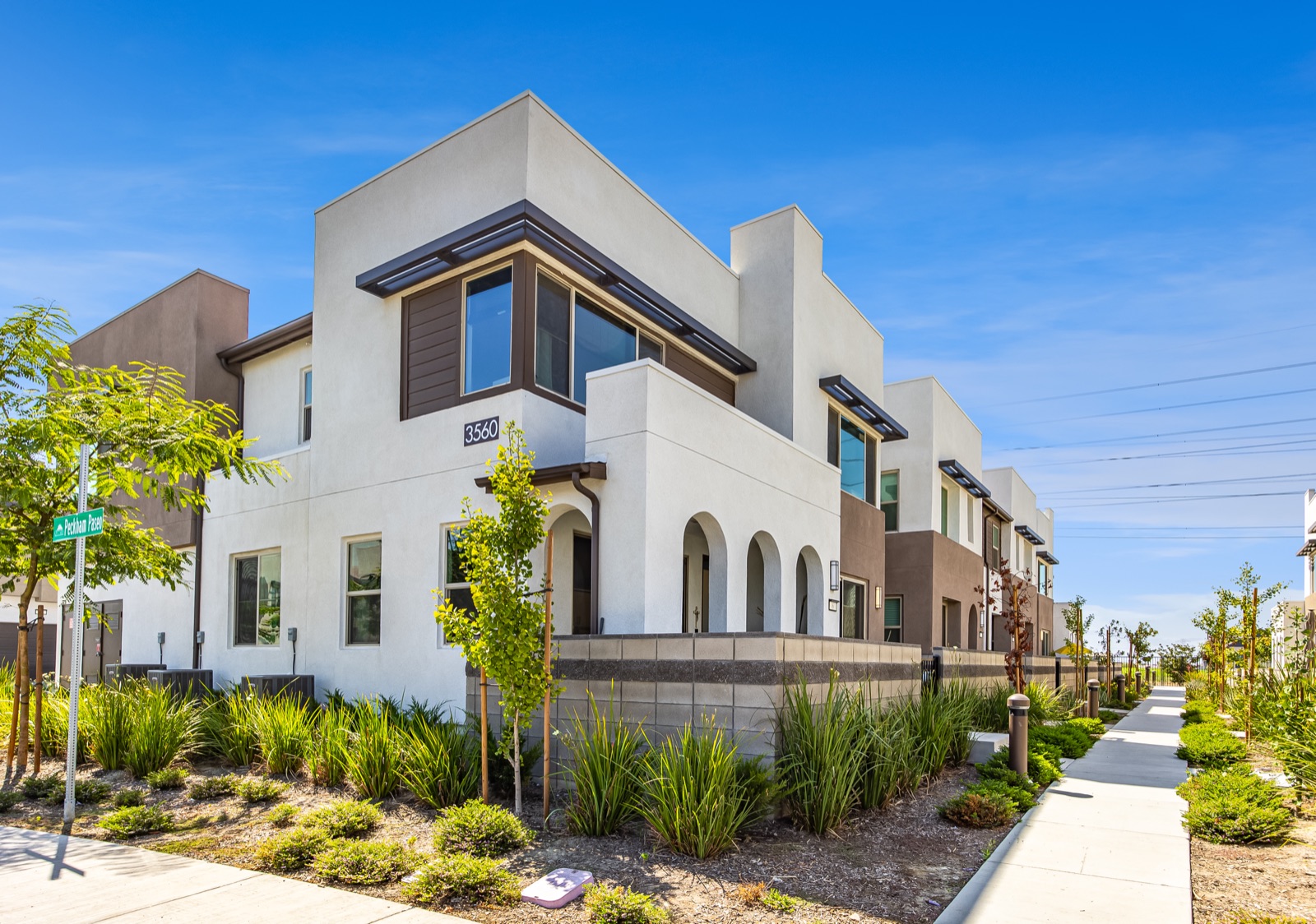
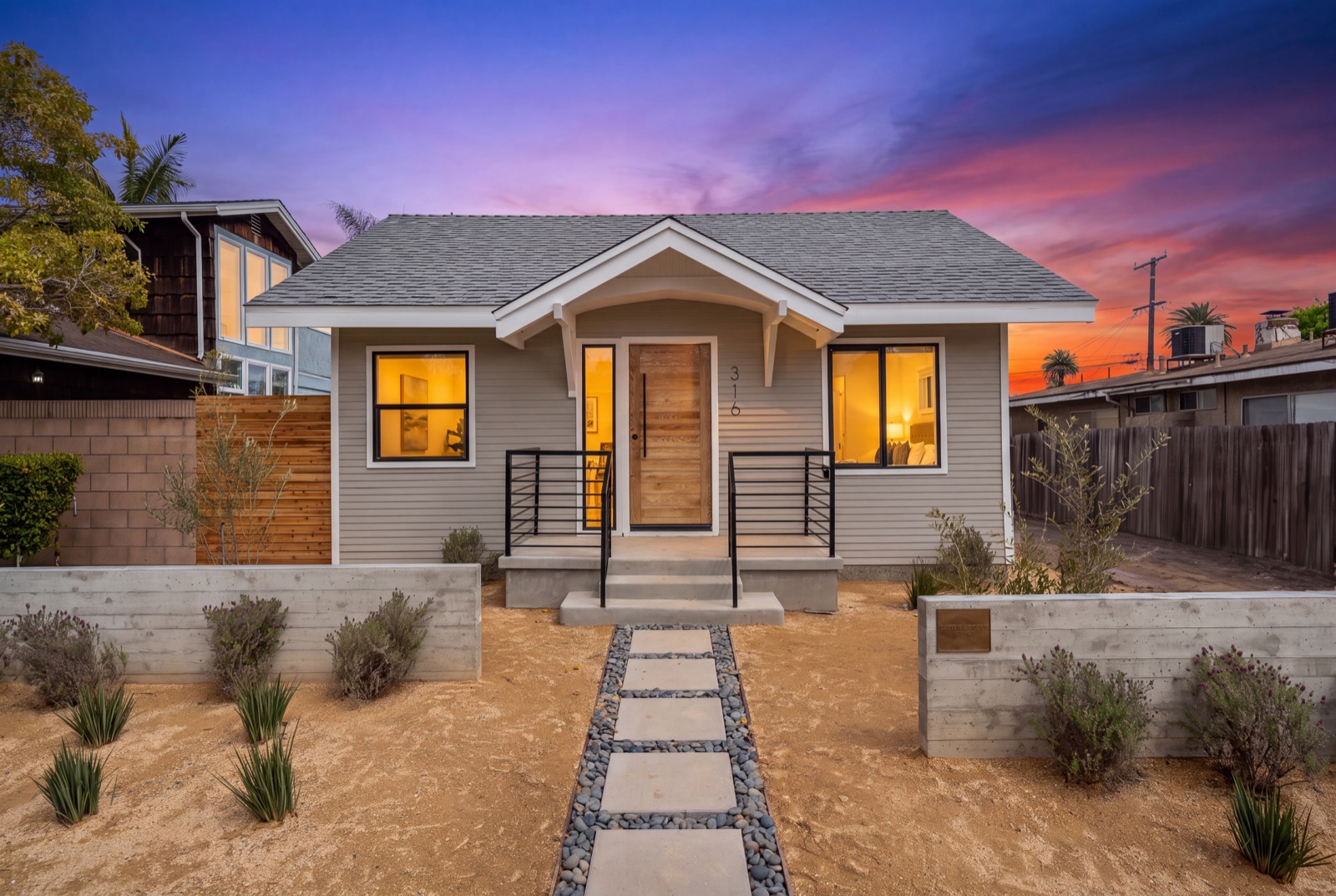
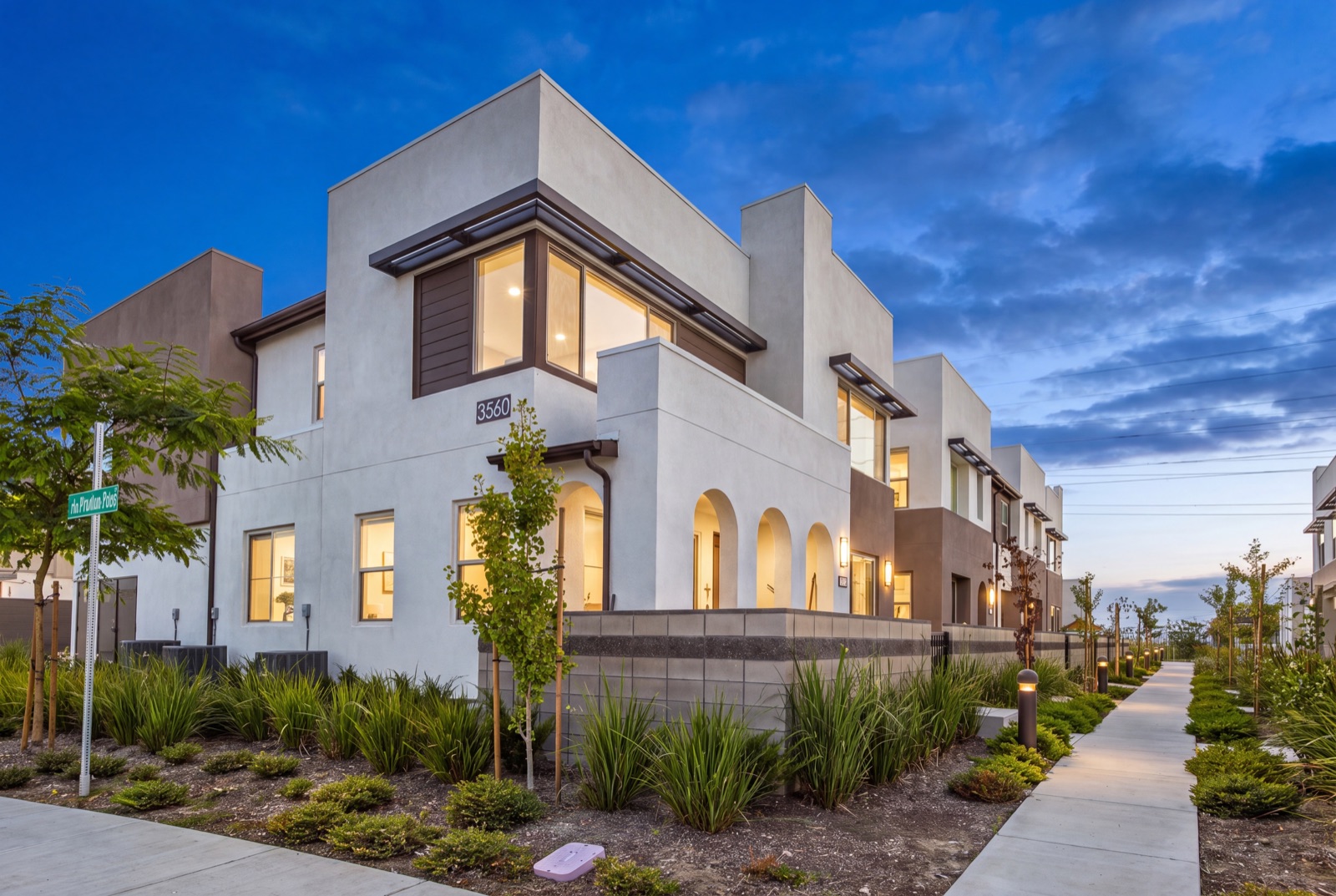
Real listings. One preset each.
Drag the slider to see the original photo next to the finished result. No stock photos, no staged demos.
Whole gallery. Five clicks. Zero drift.
Select every photo, pick a preset, and apply it across the shoot in one pass. Choose a twilight for your exteriors and every one comes back matched: same sky, same window glow, same color. No re-editing the odd one out before you deliver. Most galleries finish in under five minutes.
Select all, apply once
5 photos or 50, same number of clicks.
Matched across the set
One look on every frame. No guessing which photo will come back different.
Nothing to fix after
Deliver straight from the download. No frame-by-frame touch-ups.
From card to client in three steps.
Upload the shoot
Drag in the whole gallery, or import it straight from Dropbox or Google Drive. Edited photos or phone shots, JPEG, PNG or WebP. One exposure per photo. No RAW, no brackets (bracket merging is coming soon).
Pick a preset
Choose from 40+ presets, or one you built yourself. Tap Quick Removals (trash bins, cars, cords, for-sale signs) to clean up on top. Apply it to the whole gallery in one pass.
Download and deliver
Most galleries come back in under five minutes, matched and listing-ready. Export in 2K or 4K, in any aspect ratio from 1:1 to 9:16, plus a free “Digitally Altered” copy of every edited photo.
Clutter out.
Buyers in.
Deep Tidy reads the whole room, not just one spot. It clears countertop mess, cords, personal photos and half-finished staging, and it reads the whole scene instead of spot-healing. Need the room completely empty? Empty Room removes all the furniture. You skip the reshoot and the hour in Photoshop.
Removing objects is a material edit. Every download includes a “Digitally Altered” copy (below) to make disclosure easy.
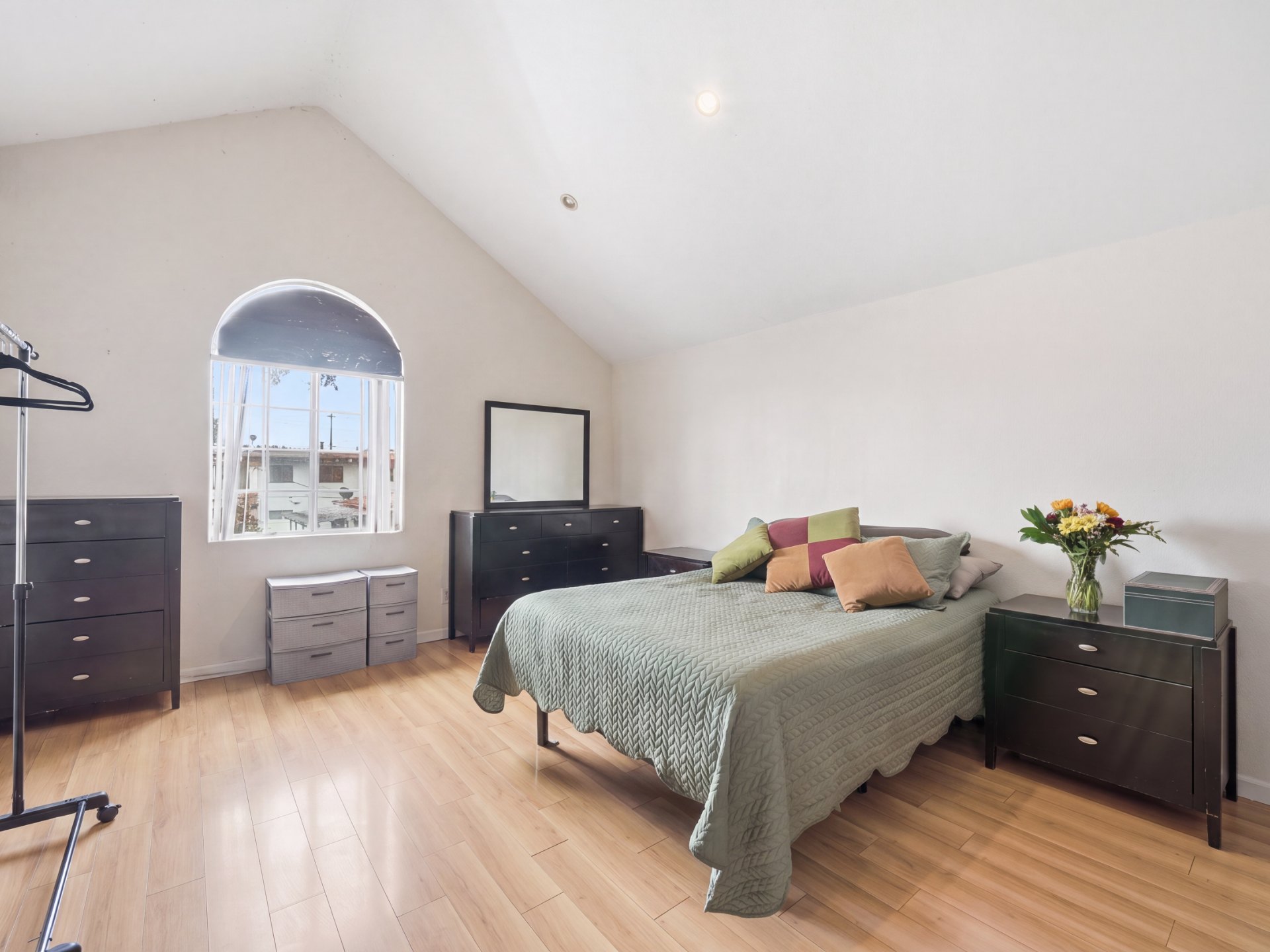
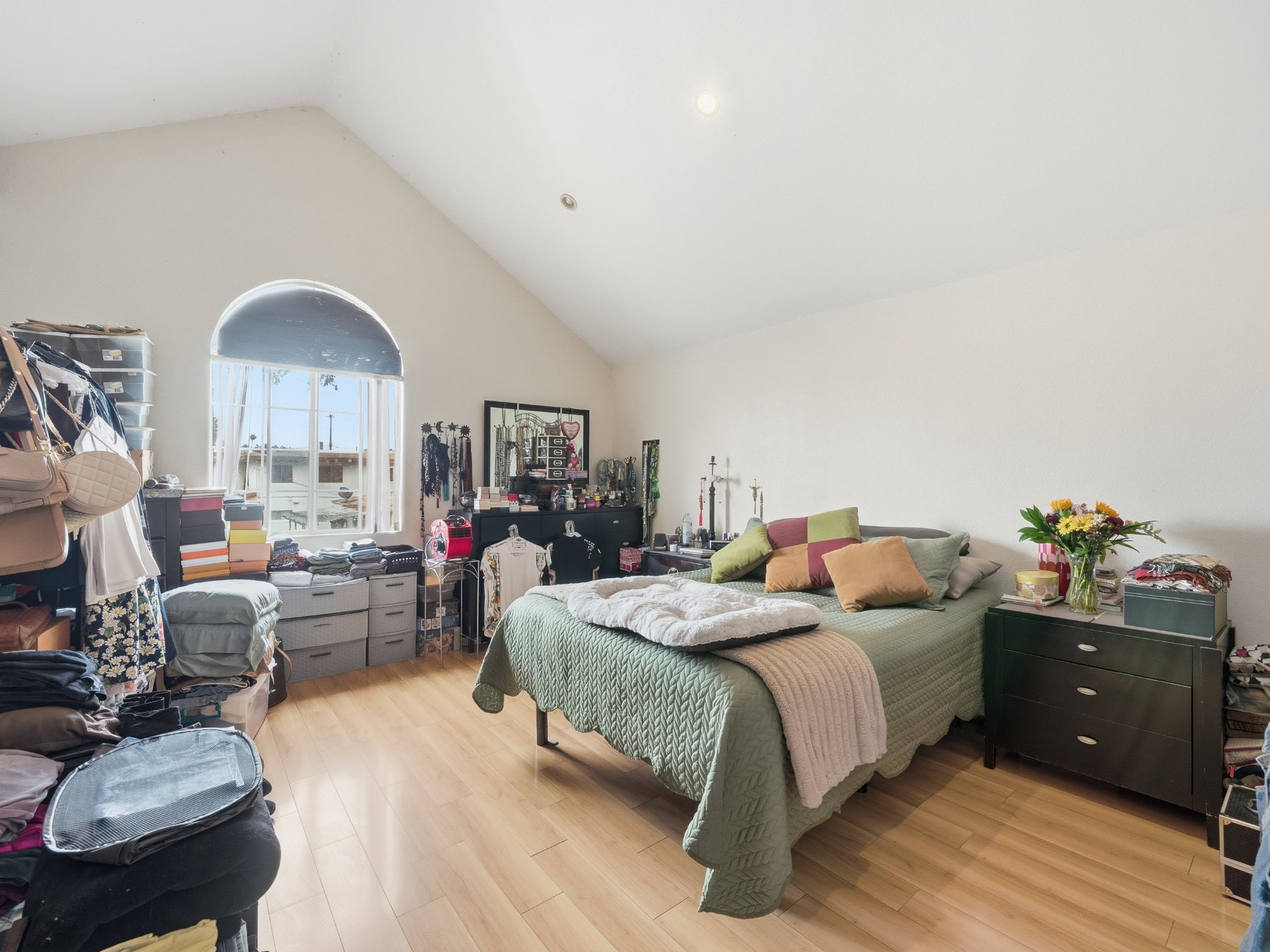
An entire home in one pass.
Drop the whole shoot, pick a preset, export. Every room gets the same treatment.
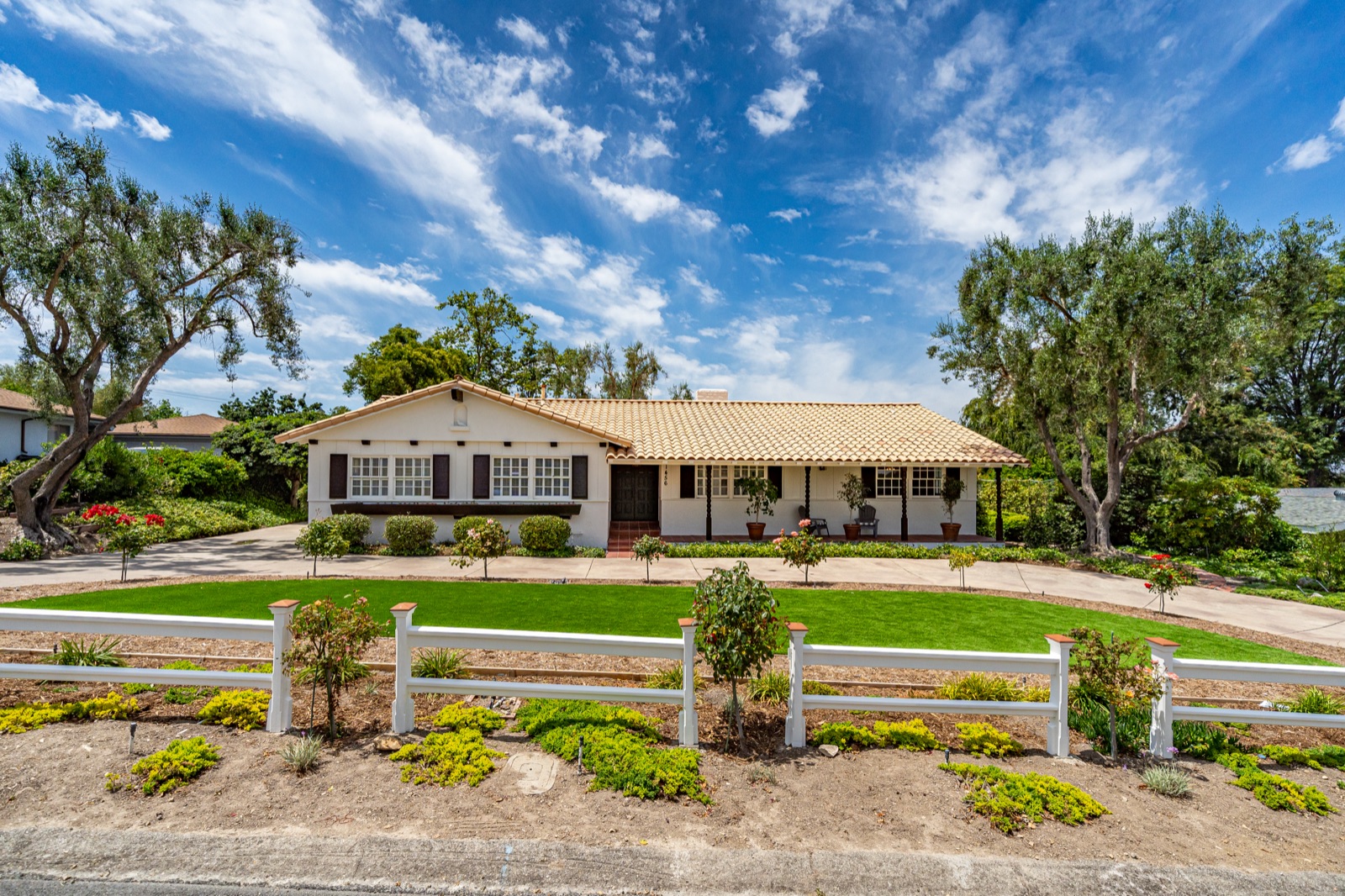
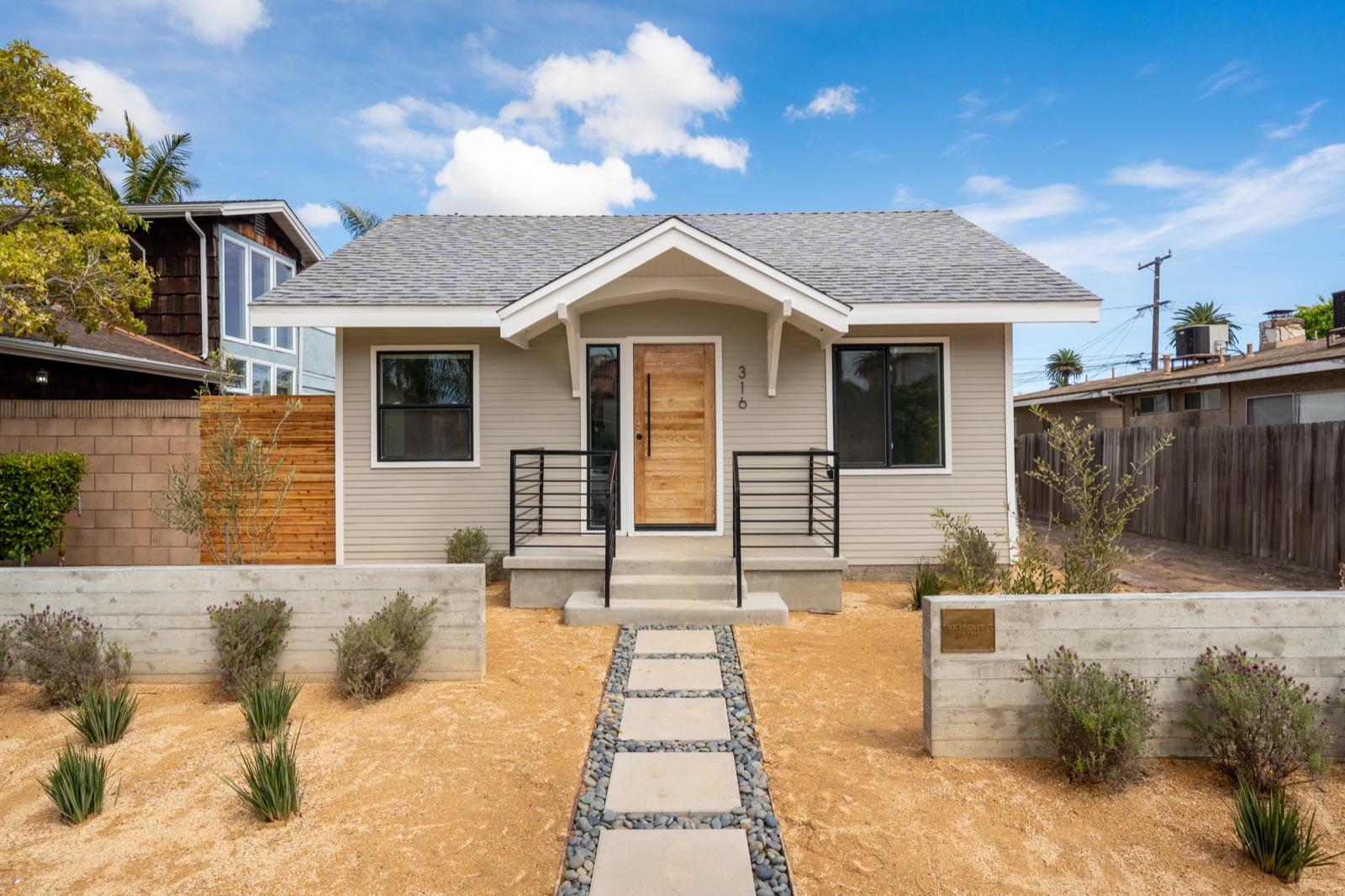
 Your shoot · 24 photos
 Ember Dusk + Deep Tidy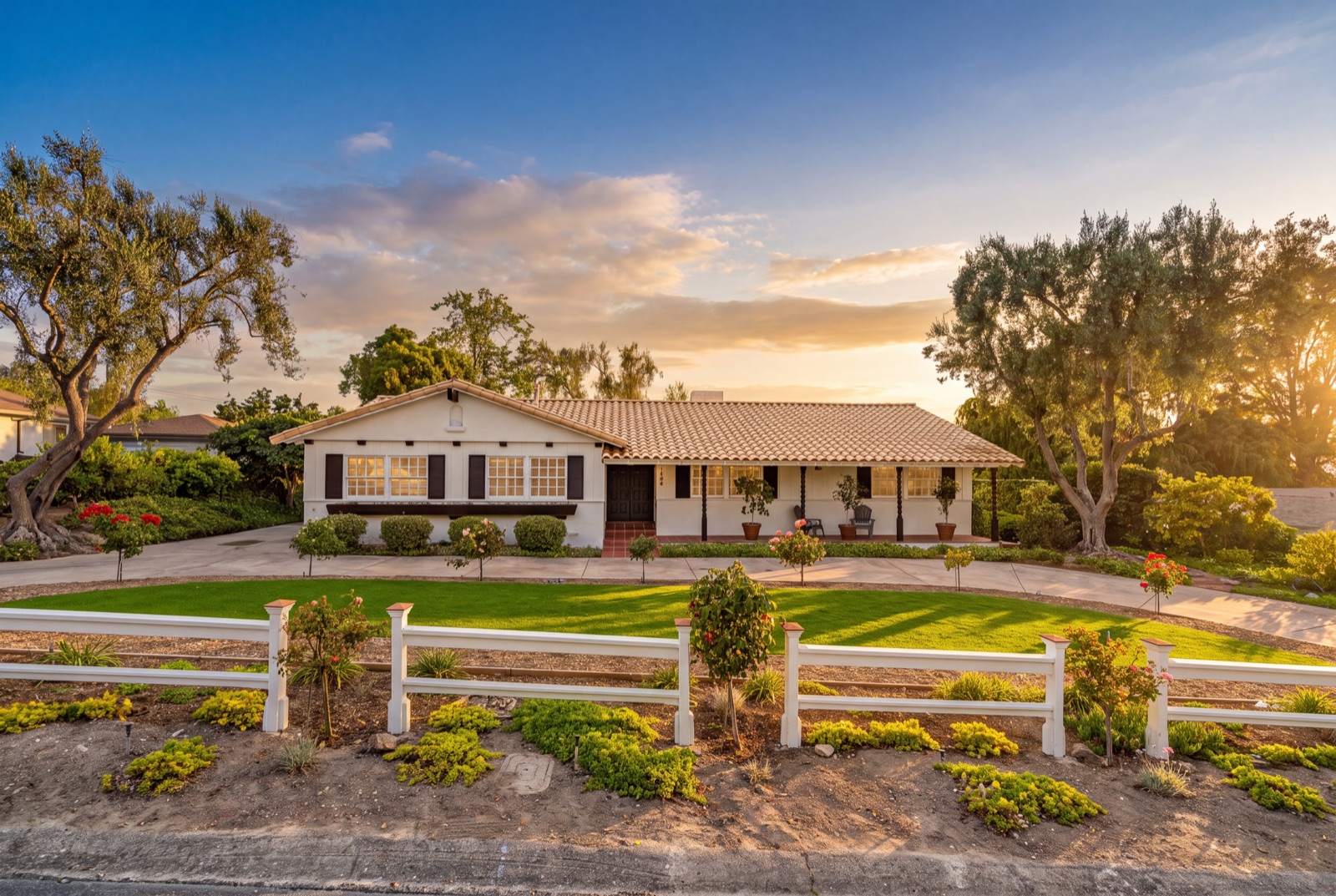
 ✓ MLS-ready gallery
Two versions of every photo. Zero extra work.
Every download comes back twice: a clean version for marketing, and a “-WM” copy stamped “Digitally Altered.” Every edited file also carries a hidden AI tag in its metadata. Together they’re your paper trail. Free, with no extra credit.
Disclosing edits to buyers is still the agent’s job. Fluxify just makes it easy. Check your MLS’s rules for what it requires.
40+ presets. One click each.
Every preset handles the technical work first (color, white balance, exposure, verticals, lens distortion) and then applies its look. Presets are tuned to how the photo was shot: professional camera, phone, or Airbnb-style. Pick by category:
Twilight (7)
Turn a daytime exterior into dusk: new sky, warm windows, evening light. Golden hour, nautical twilight and blue hour.
Editorial (8)
Magazine-style color grades for interiors and exteriors, from warm and golden to cool and crisp.
Cleanup (13)
Fix what the camera caught: clutter, cars, stained driveways, patchy lawns, cloudy pools, rumpled linens.
Staging (3)
Furnish an empty room, empty a furnished one, or lightly restage what's there.
Sky (3)
Overcast to sunny, or choose your own sky.
Lighting (4)
Even out daylight, light the fireplace, match every bulb.
Make your own. Have a signature look? Build your own preset, save it, and run it on every gallery exactly like the built-in ones.
Shot it on a phone? Amateur → Pro turns it into a pro-looking photo. Listing on Airbnb? Add Food and Add Models create lifestyle shots that sell the stay.
Batch presets
Apply one preset to the entire gallery in about five clicks.
Frame-to-frame consistency
Same sky, same color, same light across every photo in the set.
Quick Removals
Trash bins, cars, hoses, cords, toys, for-sale signs. Tap to remove.
Deep Tidy + Empty Room
Clear the clutter, or clear the whole room, without a reshoot.
Custom presets
Save your signature look as a preset and run it on every shoot.
Disclosure copies
A “Digitally Altered” copy of every edit, free.
4K export
Full-res 4K for print, signage and big screens. 2 credits per photo.
Any aspect ratio
MLS, 1:1, 4:5, 16:9, 9:16. Listing and social from one edit.
Dropbox + Google Drive
Import straight from your cloud. Edited photos or phone shots, JPEG, PNG or WebP.
Batch presets
Apply one preset to the entire gallery in about five clicks.
Frame-to-frame consistency
Same sky, same color, same light across every photo in the set.
Quick Removals
Trash bins, cars, hoses, cords, toys, for-sale signs. Tap to remove.
Deep Tidy + Empty Room
Clear the clutter, or clear the whole room, without a reshoot.
Custom presets
Save your signature look as a preset and run it on every shoot.
Disclosure copies
A “Digitally Altered” copy of every edit, free.
4K export
Full-res 4K for print, signage and big screens. 2 credits per photo.
Any aspect ratio
MLS, 1:1, 4:5, 16:9, 9:16. Listing and social from one edit.
Dropbox + Google Drive
Import straight from your cloud. Edited photos or phone shots, JPEG, PNG or WebP.
Built for photographers. Useful for anyone who lists.
Built by a working real estate media team that shoots and delivers listings every week.
Simple credits. No contracts.
1 credit = 1 edited photo, about 50¢ a photo. 4K uses 2. Re-running a photo with a new preset uses another credit. Disclosure copies are always free.
Starter
For occasional shoots.
Pro
For photographers shooting every week.
Studio
For teams and high-volume shooters.
Plans open with early access. Join the waitlist for 5 free photos when your batch opens. Brokerage or team pricing: hello@fluxify.app
Questions, answered.
How does pricing work?
One credit edits one photo, and 4K uses two. Plans are $19, $49 or $99 a month for 35, 100 or 210 credits. That works out to about 50¢ a photo. Re-running a photo with a different preset uses another credit. Disclosure copies are free. Plans renew monthly and you can cancel anytime.
When can I get an account?
Early access opens in batches. Join the waitlist and we'll email you when your batch opens. You'll start with 5 free photos, no credit card required.
Can I try it right now?
Yes. Edit 2 photos with no account at app.fluxify.app/try. Results are watermarked previews.
What files can I upload?
Edited photos or phone shots, as JPEG, PNG or WebP. Upload directly or import from Dropbox or Google Drive. One exposure per photo. No RAW, no brackets (bracket merging is coming soon). Photographers: Fluxify is the finishing pass after your edit.
Will every photo in the gallery match?
That's the point. Apply a preset to the whole set and every frame gets the same look. Pick a twilight for your exteriors and they all share the same sky, window glow and color.
How long does it take?
Most galleries finish in under five minutes.
What's a disclosure copy?
Every download includes a “-WM” copy of each photo stamped “Digitally Altered,” and every edited file carries a hidden AI tag in its metadata. They're your paper trail. Disclosing edits to buyers is still the agent's job; Fluxify just makes it easy. It's free, with no extra credit.
Can Fluxify remove furniture?
Yes. Deep Tidy clears clutter, cords and personal items, and Empty Room removes all the furniture. Many MLSs require disclosure for edits like this, so check your MLS’s rules. The “Digitally Altered” copy that comes with every download makes disclosing easy.
Do you use my photos to train AI?
No. Your photos and results are never used to train or improve any AI model. Edits run on the paid tier of Google's Gemini API, which Google states it does not train on, and every image is deleted after 90 days.
Can I make my own presets?
Yes. Build a preset with your own instructions, save it, and it runs exactly like the built-in ones, on one photo or the whole gallery.
Can I remove specific things, like trash bins or a for-sale sign?
Yes. Tap any of the Quick Removal tiles (trash bins, cars, garden hose, pool equipment, cords, counter clutter, personal photos, toys, pet items, yard tools, for-sale signs) or type your own note. They're added on top of whatever preset you pick.
What sizes can I export?
2K or 4K, in the original aspect ratio or 1:1, 3:2, 2:3, 4:3, 3:4, 4:5, 5:4, 16:9 or 9:16. That covers the MLS, Instagram and Reels from one edit.
How long are my photos kept?
90 days. After that, images are deleted.
Can I cancel anytime?
Yes. Plans renew monthly and you can cancel from your account whenever you like. For team or brokerage pricing, email hello@fluxify.app.